
Live Face Swap AI Guides
Set up your camera, swap faces live, and connect to video calls or streams. Follow the guide for your browser or Windows app.
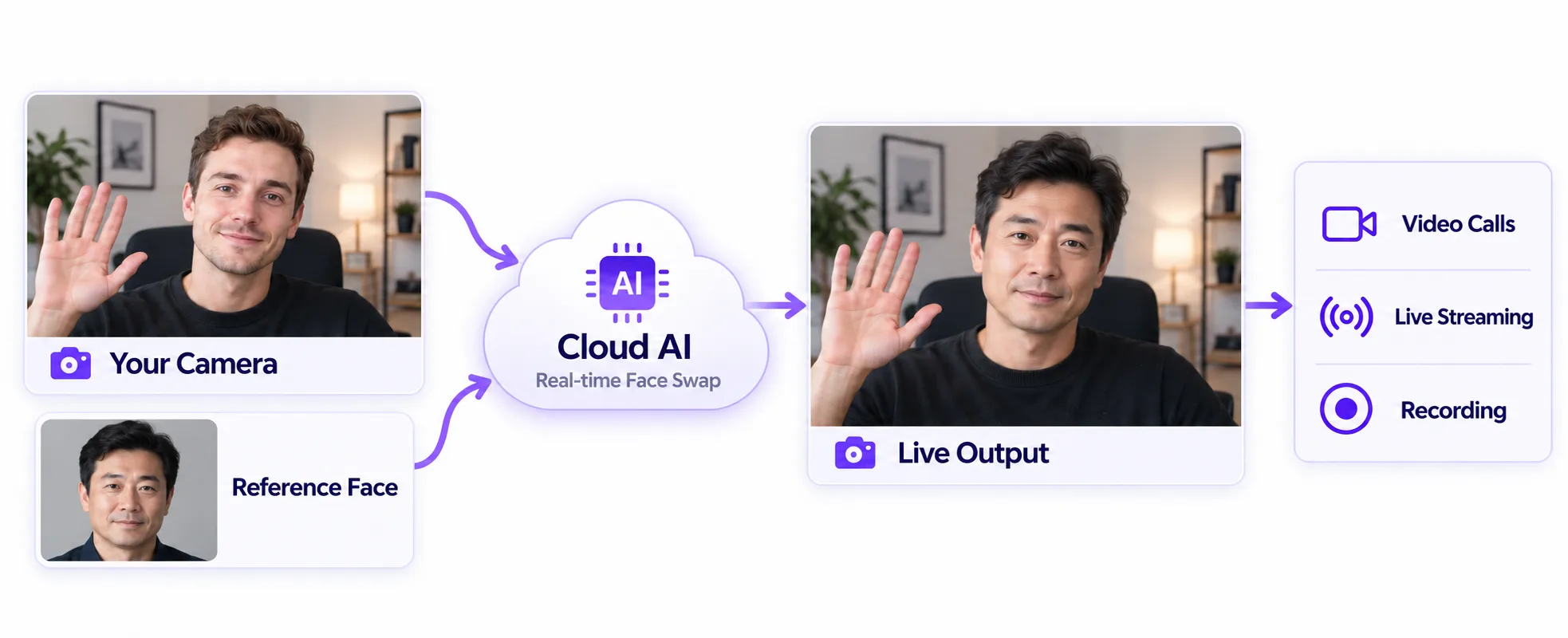
How to Use Live Face Swap AI: Your Step-by-Step Guide
Learn to use Live Face Swap AI in your browser or Windows app, choose a reference, and bring your AI look to videos, streams, and calls.
Read guide
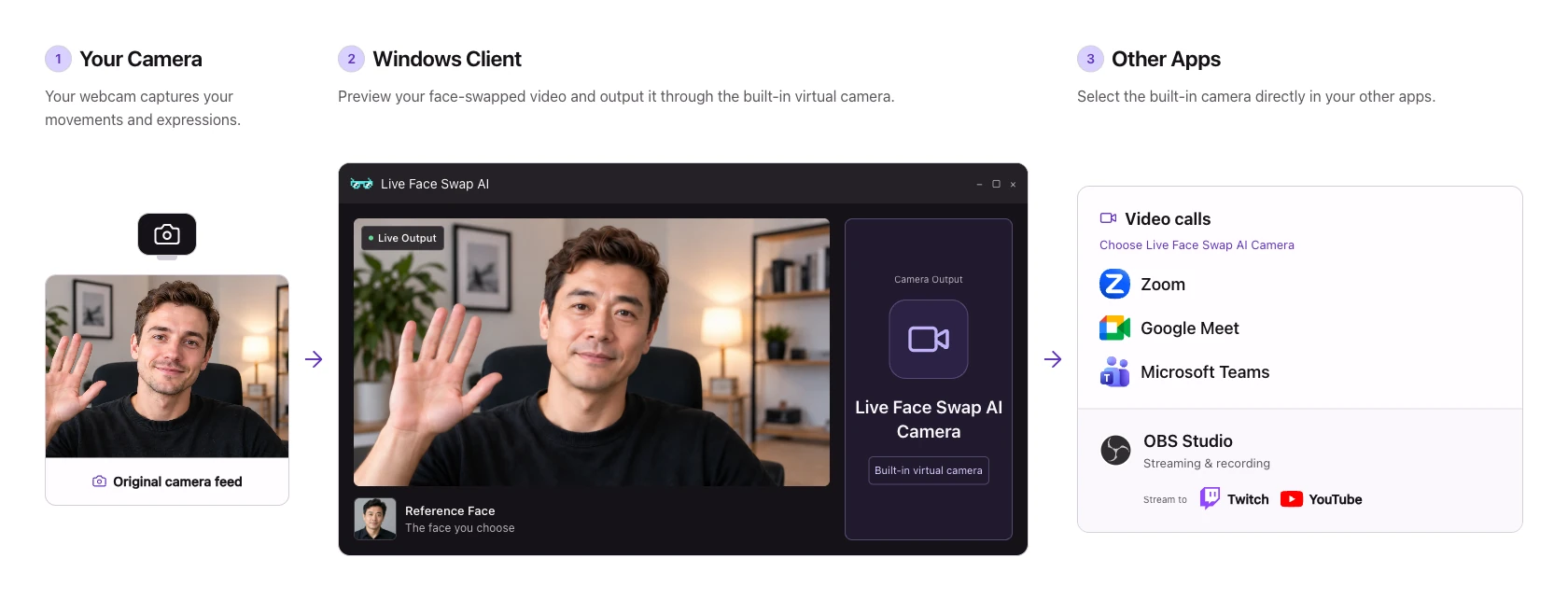
Windows Client Guide: Getting Started with Live Face Swap AI
Set up Live Face Swap AI on Windows, try the free camera test, start live face swapping, and use your output in OBS or video meetings.
Read guide
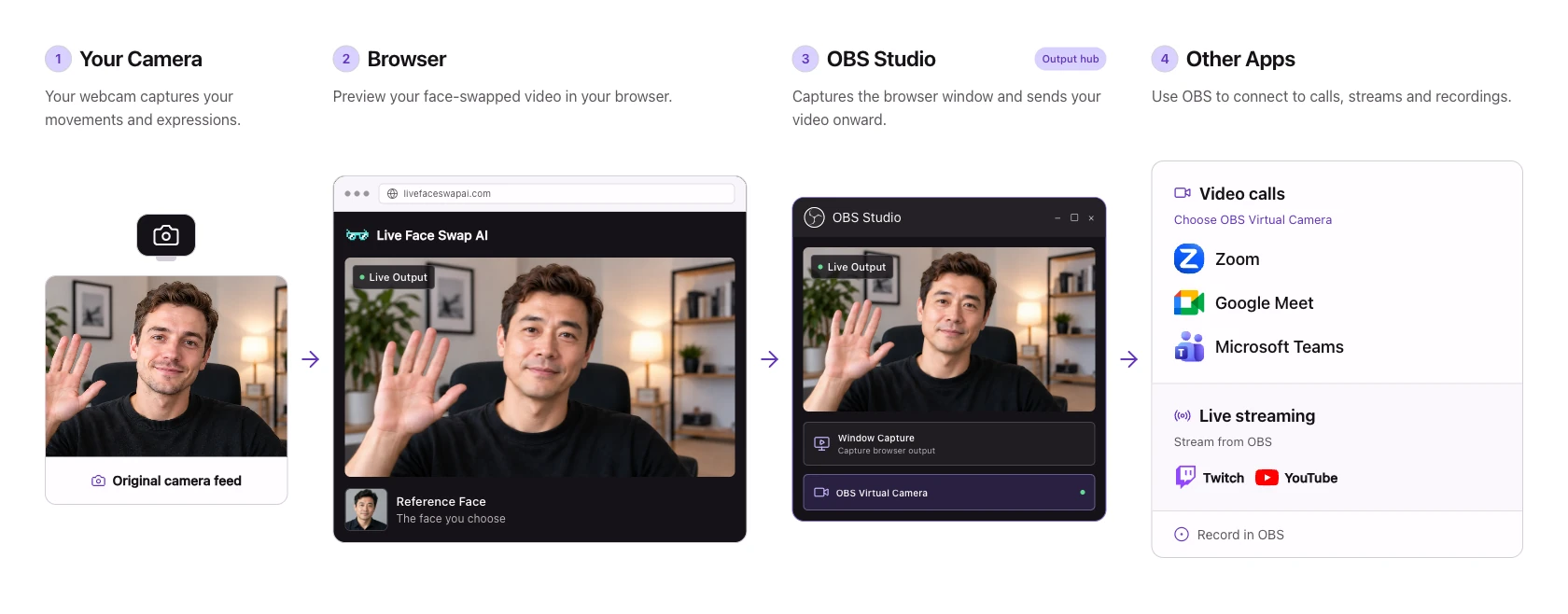
Browser Guide: Getting Started with Live Face Swap AI
Use Live Face Swap AI in your browser, test your camera for free, and connect through OBS to Zoom, Google Meet, Teams, Twitch, or YouTube.
Read guide